admin
admin
An in-depth review of Xero’s features, pricing, GST support, and suitability for Singapore businesses.

Last updated: December 2025
No credit card required.
Disclosure: This page contains affiliate links. We may earn a commission at no extra cost to you.
Affiliate Disclosure:
Some links on this page are affiliate links. This means we may earn a commission at no extra cost to you. Our reviews remain independent and honest.
Xero at a Glance
- 👥 Best for: SMEs (5–50 staff)
- ⚙️ Key strengths: Automation, GST, integrations
- 💰 Price: From S$33/mo
- 🎁 Free trial: 30 days ✔
Product Overview
Xero is a modern, cloud-based accounting platform designed for small and growing businesses in Singapore. Known for its clean interface, powerful automation and IRAS-compliant GST features, Xero helps business owners manage finances with confidence.
Perfect for: SMEs, retail businesses, service providers, mobile teams, and companies requiring multi-currency support.
Key Features
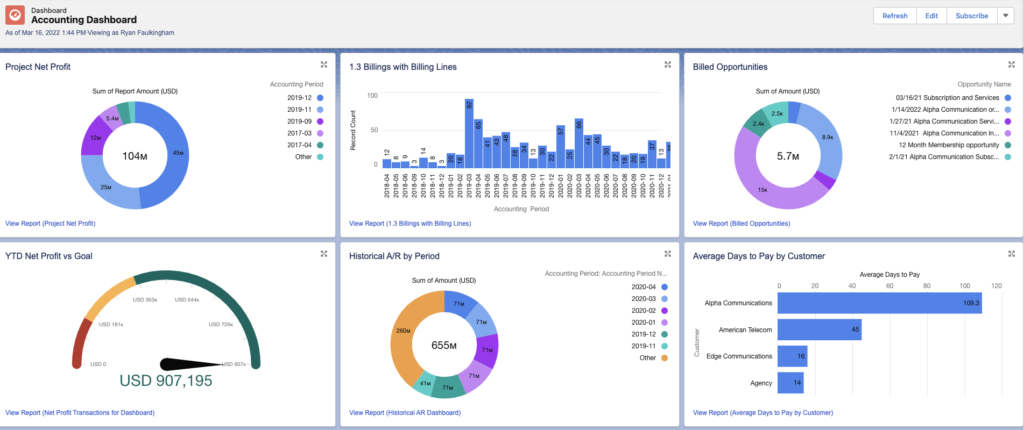
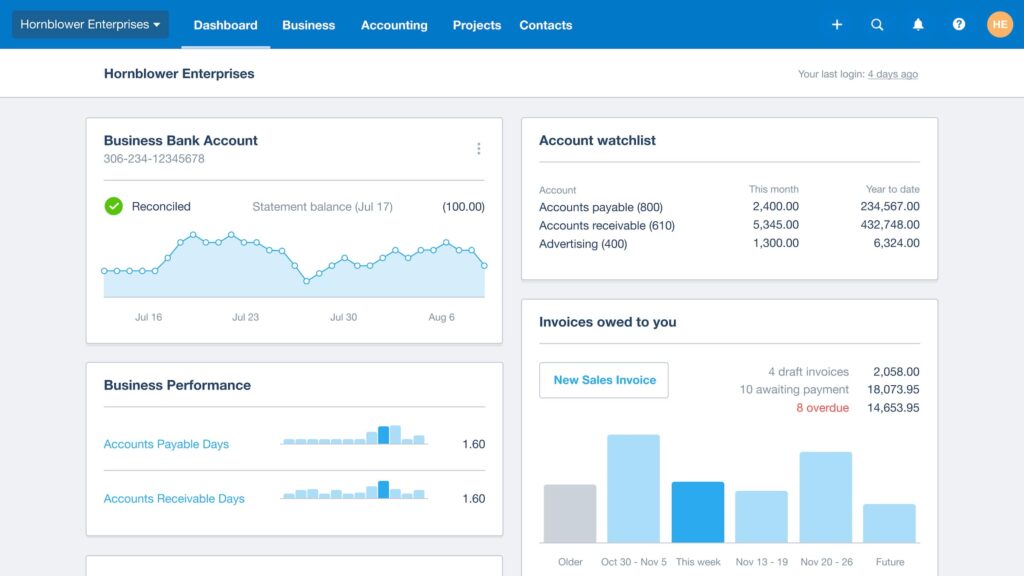
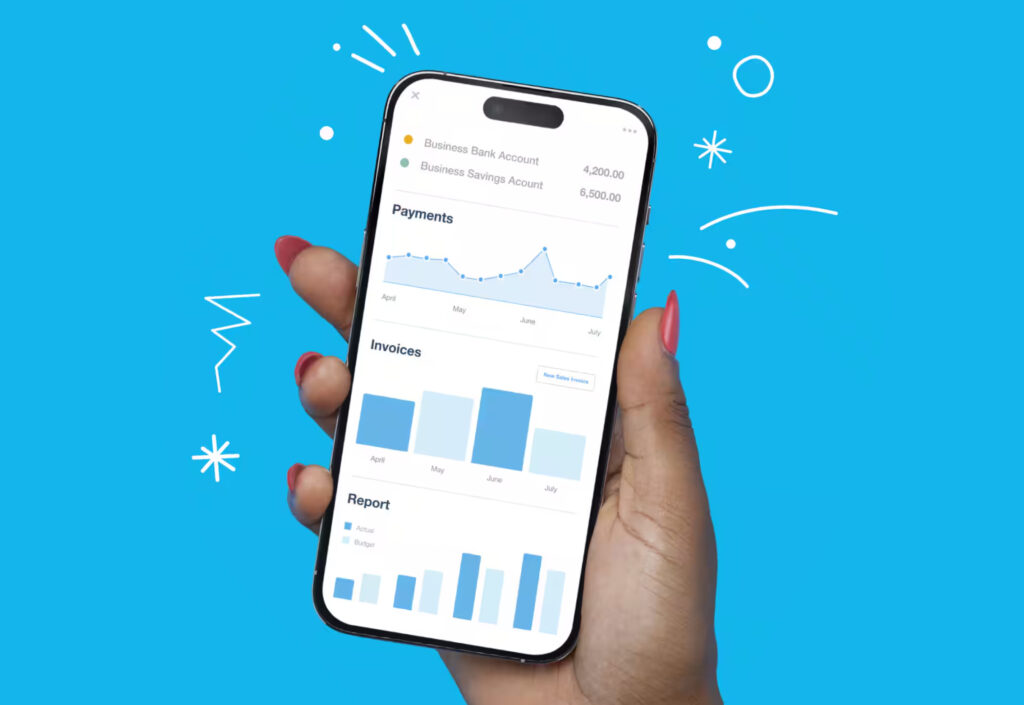
1. Real-Time Financial Dashboard
Get a complete picture of your business health at a glance — cash flow, invoices, bills, expenses and more.
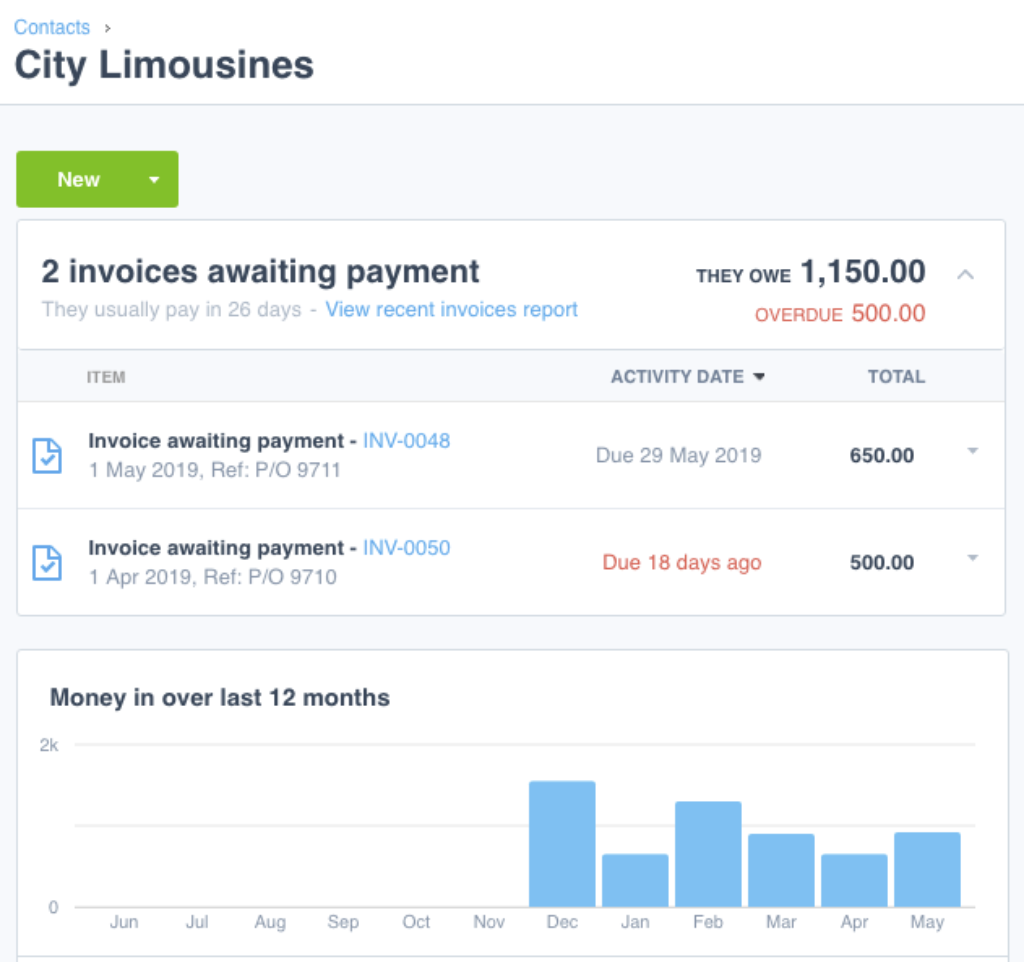
2. Smart Invoicing & Payment Collection
Send professional invoices, set auto-reminders, accept online payments, and track overdue customers effortlessly.
3. Automated Bank Reconciliation
Connect your bank accounts and let Xero match transactions automatically.

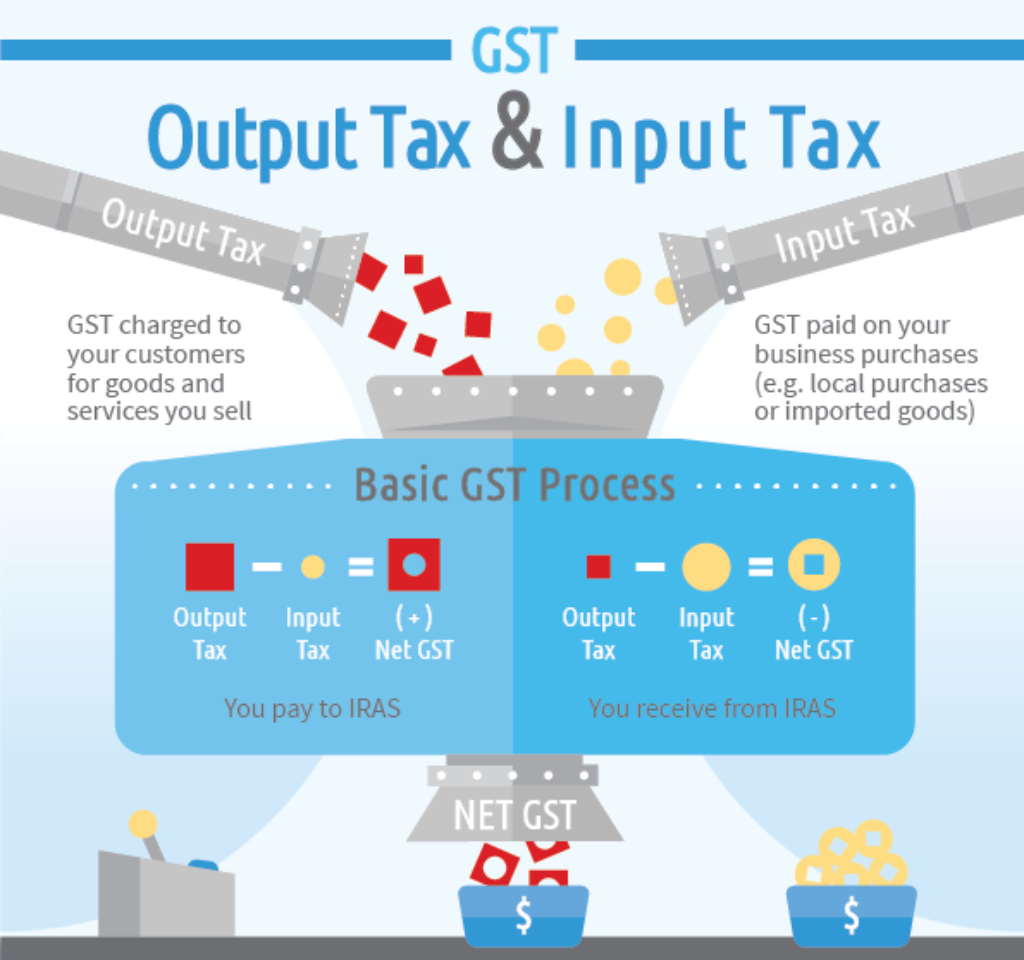
4. GST (IRAS) Support for Singapore
Xero helps you prepare GST returns and generate IRAS-ready reports.
5. Powerful Mobile Apps
Manage your business anywhere — issue invoices, capture receipts, view cash flow, and approve transactions on the go.
6. Over 1,000+ Integrations
Connect POS systems, HR platforms, CRM, payroll, e-commerce tools and more.
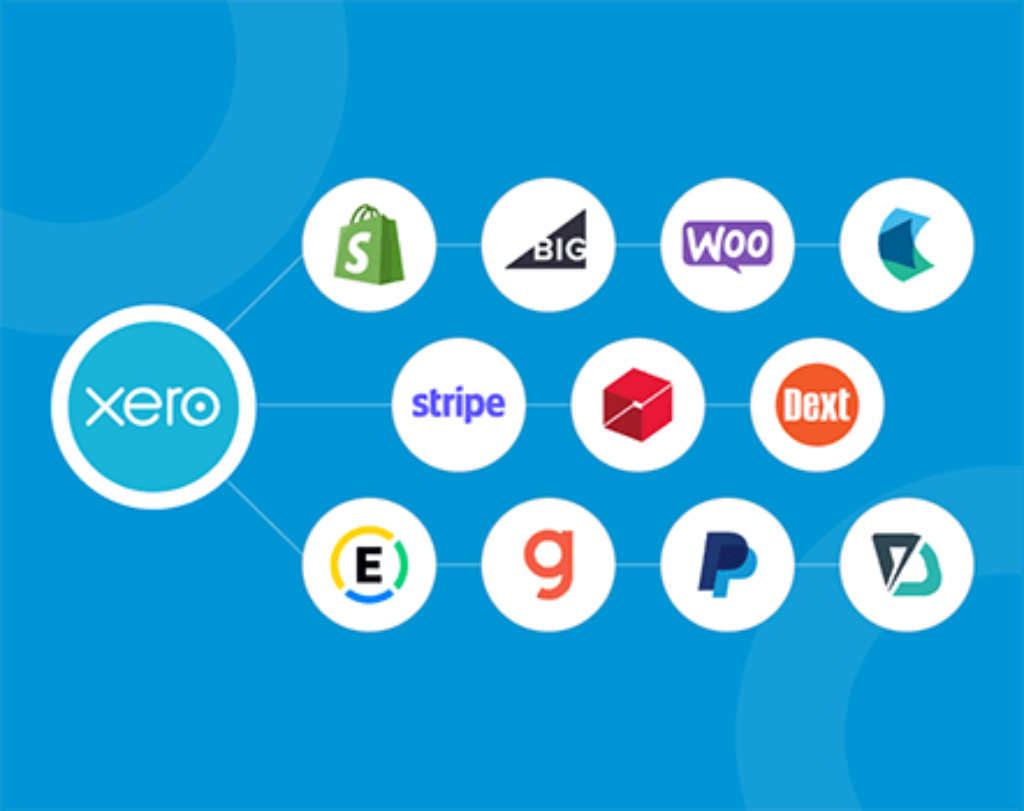
Popular integrations include Shopify, WooCommerce, Stripe, PayPal, POS systems, payroll tools, and CRM platforms.
📌 “Top 3 Features SMEs Love Most”
- Bank Reconciliation
- Invoicing
- GST / IRAS integration
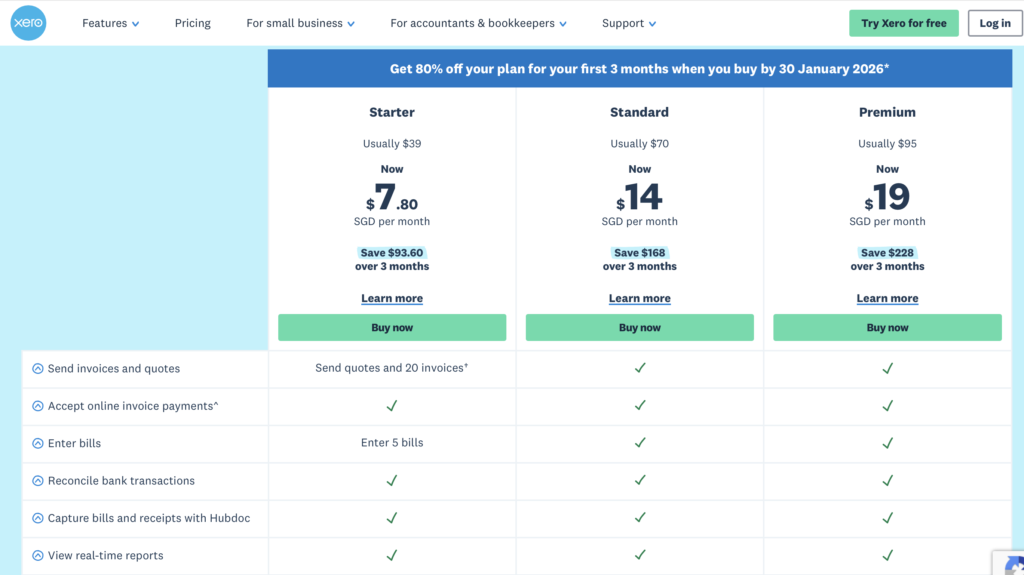
Xero Pricing Singapore 2025
| Plan | Monthly Price | Best For |
|---|---|---|
| Starter | $39 | Freelancers |
| Standard | $70 | SMEs with staff |
| Premium | $95 | Multi-currency users |
Note: Pricing based on Xero Singapore 2025 rates.
Get 80% off your plan for your first 3 months when you buy by 30 January 2026.
Pros & Cons
👍 Pros
- IRAS-compliant GST
- Clean, modern user interface
- Strong mobile app
- Excellent bank reconciliation
- Large integration ecosystem
- Local adoption in Singapore is strong
👎 Cons
- Higher price compared to some competitors
- Limited inventory functionality (unless using add-ons)
- Can feel overwhelming for new users
Who Should Use Xero?
Xero Is Perfect For:
✔ SMEs needing automation
✔ Teams needing unlimited users
✔ Businesses doing cross-border sales
Xero Is NOT Ideal For:
✘ Companies needing deep inventory
✘ Cash-tight micro-businesses
How Xero Stands Out (Without Comparing Direct Competitors Yet)
- Better UI design than many accounting systems
- Stronger automation than entry-level software
- IRAS-approved
- Deep integrations for SMEs planning to scale
- Very clean mobile apps for on-the-go teams
SmartSaver Review Summary
SmartSaver Rating: ★★★★★ (4.8/5)
Xero stands out as one of the best accounting solutions in Singapore for SMEs who want automation, clean design, and excellent GST support.
No credit card required.
Frequently Asked Questions (FAQs)
2. Is Xero good for Singapore SMEs?
Yes. Xero is popular among Singapore SMEs because it supports IRAS-compliant GST, integrates with local payment tools, and offers strong automation features.
3. How much does Xero cost in Singapore?
Xero has three main plans (prices vary due to promotions):
- Starter
- Standard
- Premium
Each plan includes unlimited users but differs in invoice limits, multi-currency support, and advanced features.
4. Does Xero support IRAS GST submission?
Yes. Xero provides GST F5 reports, IRAS-compliant formatting, and detailed audit trails for accountants.
5. Can I use Xero for multi-currency accounting?
Only the Premium plan includes full multi-currency functionality, including automatic FX rates and multi-currency reports.
6. Does Xero have mobile apps?
Yes. Xero offers a powerful mobile app for iOS and Android, allowing users to:
- Send invoices
- Capture receipts
- Check cash flow
- Approve transactions
7. Is Xero suitable for freelancers or small businesses?
Yes. Freelancers and solo owners can use the Starter plan, which includes essential invoicing and bank reconciliation.
8. Can Xero integrate with other systems?
Yes. Xero has over 1,000+ integrations, including:
- CRM tools
- POS systems
- Inventory apps
- E-commerce platforms
- Payment gateways
9. Does Xero allow unlimited users?
Yes. Unlike many competitors, Xero supports unlimited users for most plans at no additional cost.
10. Is Xero difficult to learn?
Most users find Xero easy to use due to its clean interface. However, business owners with no accounting background may require a short onboarding or accountant support.
11. Can I try Xero for free?
Yes. Xero offers a 30-day free trial with full access to all major features.
12. Who should NOT use Xero?
Xero may not be suitable for businesses that require:
- Very advanced inventory (unless using add-ons)
- Built-in payroll for Singapore
- Cheaper alternatives than cloud accounting
13. Is Xero better than QuickBooks or Wave?
Xero is generally better for SMEs in Singapore that need strong automation, clean design, IRAS-compliant GST support, and unlimited users.
Versus QuickBooks: QuickBooks has stronger inventory and slightly better reporting, but Xero wins for usability, automation, and multi-user support.
Versus Wave: Wave is free but too limited for growing SMEs. It lacks GST support, automation depth, and scalability.
Overall: For Singapore SMEs, Xero is usually the best long-term option unless you need advanced inventory (QuickBooks) or are a very small business with almost no budget (Wave).